Four slots. Ten engine types.
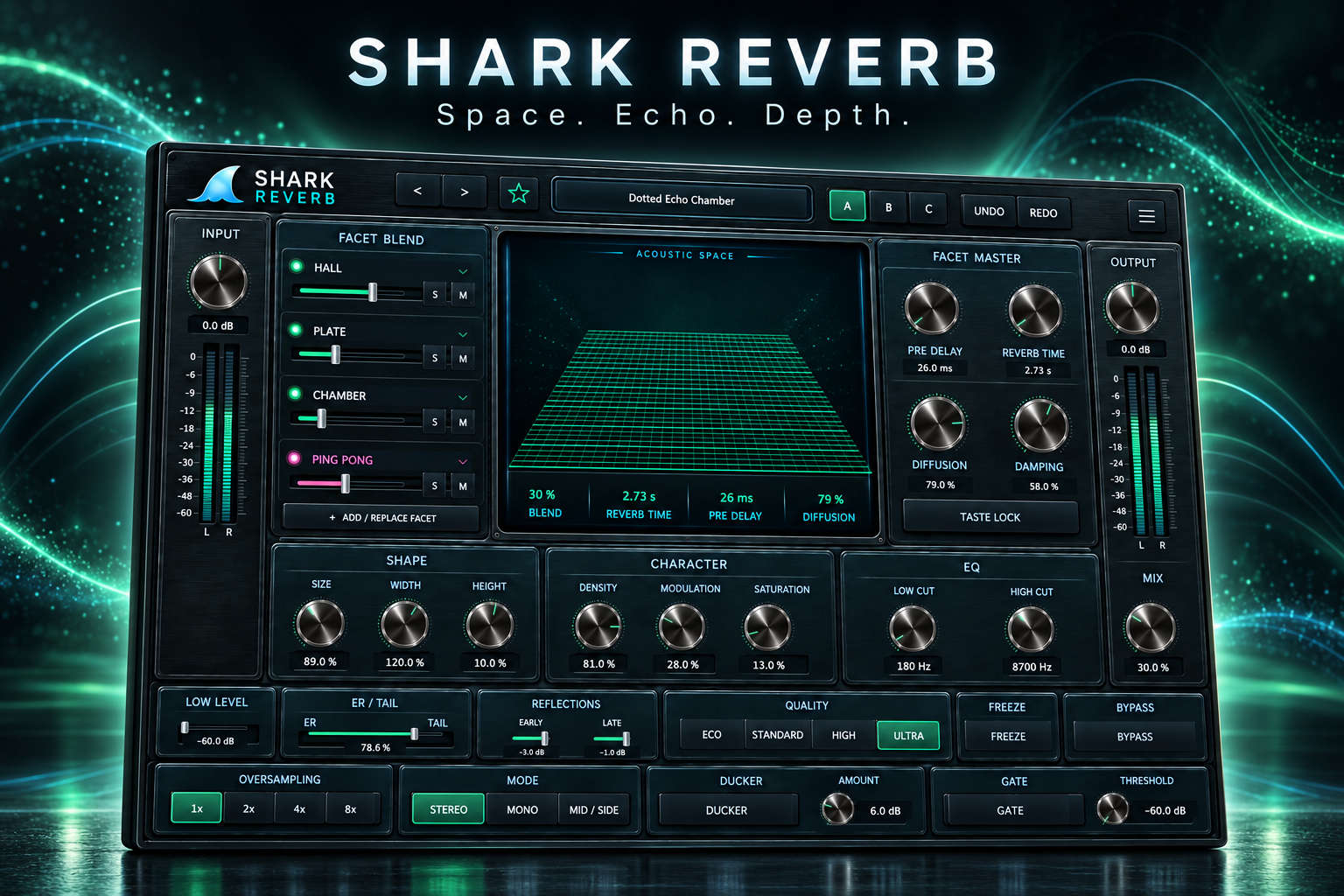
Hall, Room, Plate, Chamber, Spring, Studio, Arena and Space join Tape Echo and Ping Pong. Choose any combination within four slots, then balance, mute or solo each layer.
TOOLS THAT MOVE SOUND FORWARD.
FOUR-LAYER REVERB + DELAY
Build lush spaces with rhythm inside them. Blend four layers of reverb and delay, then let the echoes feed the tails for a deeper, moving sound.
100 PRESETS · MANUAL · BROCHURE READY · VST3 · AU · macOS · Windows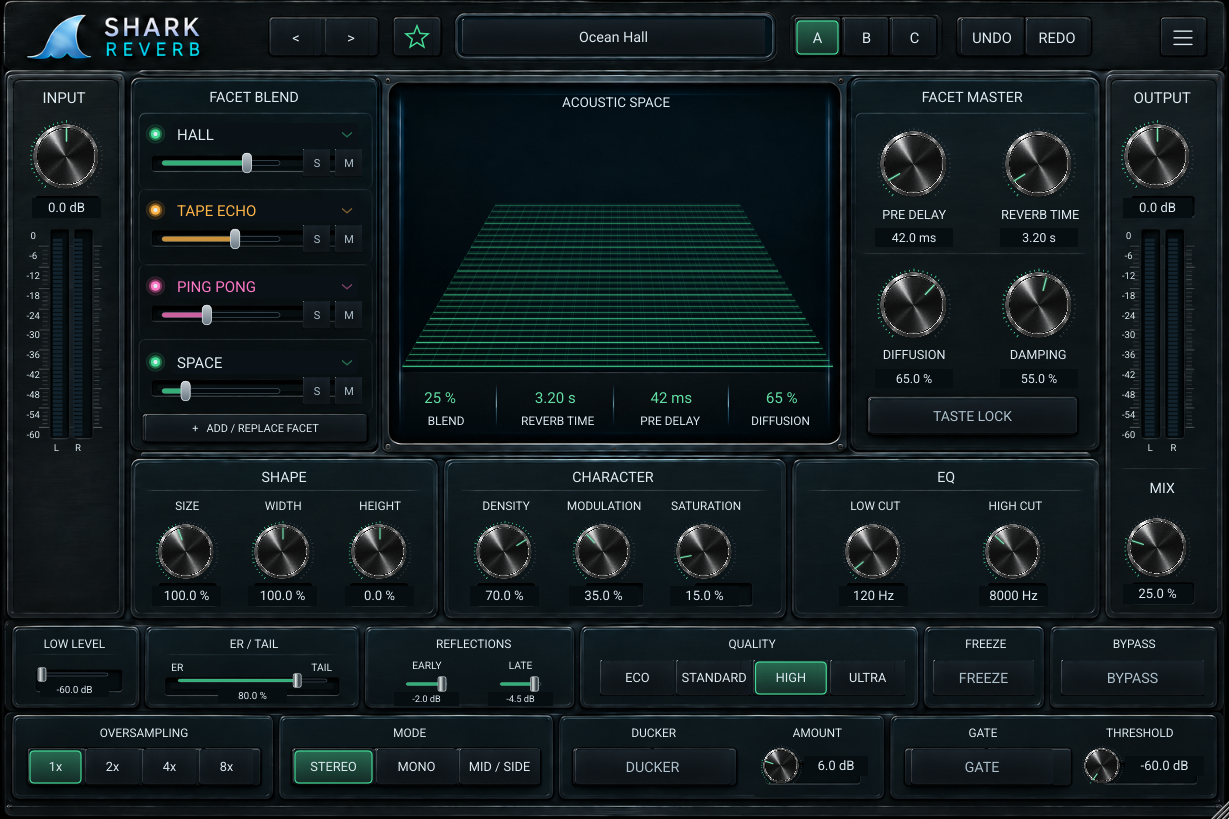
 Download poster ↗
THE IDEA
Choose from eight reverb flavors, Tape Echo and Ping Pong across four mixable slots. Route echoes into a single reverb or all active reverbs, keep direct repeats in the blend or let them dissolve into the space. Shape the result with diffusion, damping, modulation, wet EQ and ducking.
WHAT IT GIVES YOU
Hall, Room, Plate, Chamber, Spring, Studio, Arena and Space join Tape Echo and Ping Pong. Choose any combination within four slots, then balance, mute or solo each layer.
Tempo-synced delays can feed one reverb or all active reverbs. Direct Output separates audible repeats from delay-fed ambience, giving the same chain very different depth.
Explore ten preset categories and 26 delay-and-reverb combinations. Search, favorite and save ideas, compare A/B/C, and preserve your wet Mix with Taste Lock.
PRODUCT RESOURCES
Explore the complete workflow or get the concise product overview. The SHARK REVERB documents are ready to read and download.
An eight-page guide to four-layer routing, every control family, delay sends, presets, quality and practical production recipes.
OPEN MANUAL →02 · PRODUCT OVERVIEWA two-page visual introduction to the reverb-and-delay instrument, creative routing and 100 starting presets.
OPEN BROCHURE →QUESTIONS, ANSWERED
Practical answers about layers, delay routing, wet level, presets and themes.
Yes. Each of four slots can hold a reverb or delay engine. Tape Echo and Ping Pong can feed a selected reverb or all active reverbs, with Direct Output controlling whether their echoes also reach the wet mix directly.
No. Add / Replace Facet chooses the engine for a slot. There are four simultaneous slots, each containing one of ten engine types.
For an insert, begin with a modest wet amount and listen in context. On a dedicated effects return, use 100% Mix and control the amount with the DAW send. Gain Match is usually best left off on an effects return.
100 presets across ten categories, including 26 combinations of delay and reverb. Search, favorites and user preset saving help organize your own variations. Double-click a preset to load it and close the browser.
Press the logo to cycle blue, purple, red and green. Tape Echo remains amber and Ping Pong remains pink. The audio-reactive Acoustic Space display follows the selected theme.
Freeze holds the reverb feedback network and stops new reverb injection. It does not freeze the delay engines.
The updated manual and brochure are available on this page. Demo installers and checkout will be connected as the release is finalized.
TRY IT ON YOUR MUSIC