Eight bands. One direct workflow.
Shape the curve with colored nodes, compact band cards and group dragging. Choose bell, shelf and cut shapes, then explore dynamic and spectral modes.
TOOLS THAT MOVE SOUND FORWARD.
SHARK SPECTRAL · MASTERING SYSTEM
Bring tonal detail, dynamics, stereo control and loudness into one clear mastering workspace.
DOCUMENTS READY · CUSTOMER INSTALLER FORTHCOMING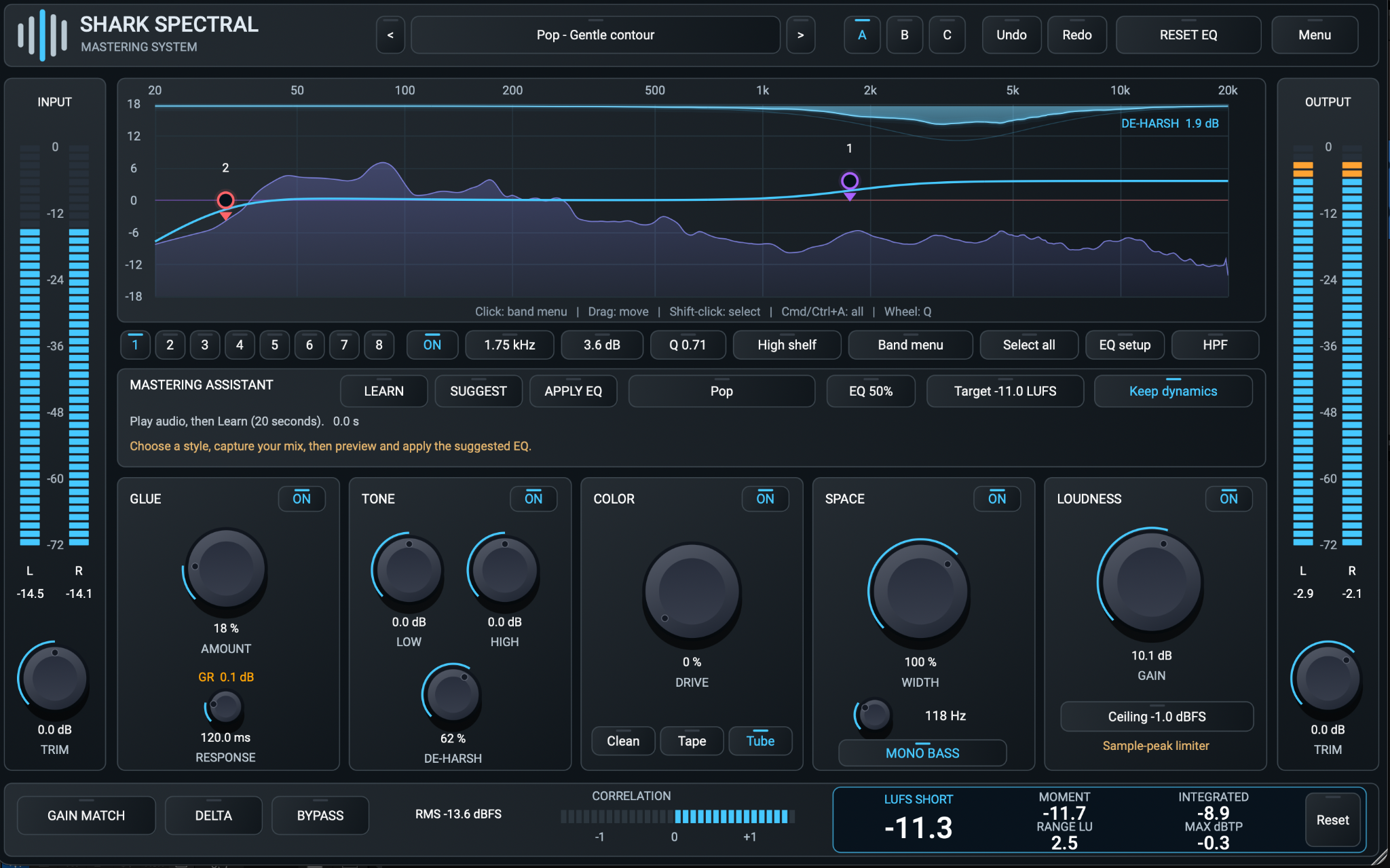
THE MASTERING WORKSPACE
Shape the curve with colored nodes, compact band cards and group dragging. Choose bell, shelf and cut shapes, then explore dynamic and spectral modes.
Capture 20 seconds of audio, choose one of 20 styles and preview a local EQ suggestion. Apply it when it serves the song. Final loudness stays in your hands.
Bring in Glue, Tone and De-Harsh, Tape or Tube color, and Width with a variable Mono Bass cutoff. Compare complete alternatives with A/B/C and Gain Match.
Read short-term, momentary and integrated LUFS, loudness range and estimated true peak. The Loudness module combines gain with sample-peak limiting.
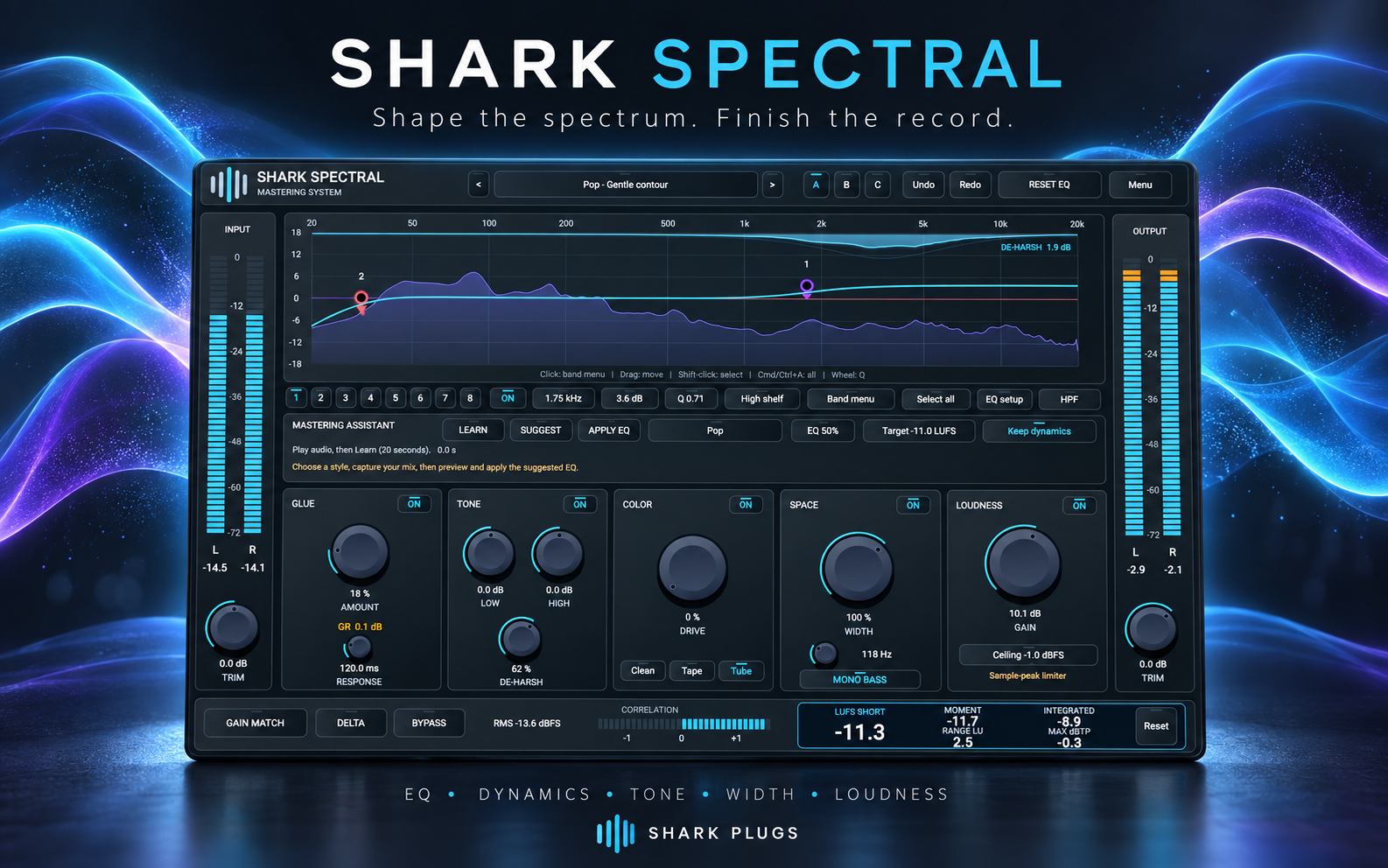 Download the poster ↗
PRODUCT RESOURCES
Read the complete workflow or get a concise overview. These guides describe build 0.7.6.
QUESTIONS, ANSWERED
Practical answers about the assistant, De-Harsh, Gain Match, metering and current availability.
A mastering workspace combining eight-band EQ, dynamic and spectral EQ modes, glue compression, tone, color, stereo width, a sample-peak limiter and output metering.
It listens locally for 20 seconds and suggests broad EQ moves for one of 20 styles. You preview and explicitly Apply EQ. It does not automatically set compression, limiting or final loudness.
No. Target LUFS and Keep dynamics are reserved controls in build 0.7.6. Set loudness manually and measure the result.
No. Tonal analysis runs locally in the plugin and uses no trained AI model.
No. The limiter is sample-peak based. Max dBTP is a separate oversampled estimate; monitor it when setting the final output and verify demanding delivery specifications with a trusted meter.
That is its purpose: it compensates RMS energy so you can hear the processing without most of the loudness advantage. It needs brief settling after a large change. Turn it off to set final output loudness.
Both its boost and limiter are bypassed. The gain value stays stored for re-enabling. New instances and Init start with Loudness ON.
It controls the gradual reduction of low-frequency stereo side content. Enable Mono Bass to reveal the 40-300 Hz cutoff knob; its default is 100 Hz.
The Tone module De-Harsh control is a broad static cut near 3.5 kHz. Its wave animation follows spectrum activity. For level-dependent correction use a band in Dynamic or Spectral mode.
Yes. Shift-click or rectangle-select bands, or use Select all / Cmd/Ctrl+A, then drag the group. Their relative spacing is preserved until the group reaches a boundary.
Yes. The host stores the current state, and the User preset browser can save .spectral presets. Import and Export let you move those files. A/B/C is for comparisons during use.
The source project targets AU, VST3 and Standalone. This publication pack describes build 0.7.6; installers, platform qualification and purchase availability are separate release items. Check the website for current availability.
SHARK PLUGS
The assistant suggests EQ locally; automatic LUFS targeting is not implemented in this build. True-peak metering is separate from the sample-peak limiter.
Return to collection →