SHARK FILTHY Q / TILT & CONTOUR EQ
Find your
balance.
Tilt the tone. Shape the middle. A few useful moves for tracks, buses and full mixes.
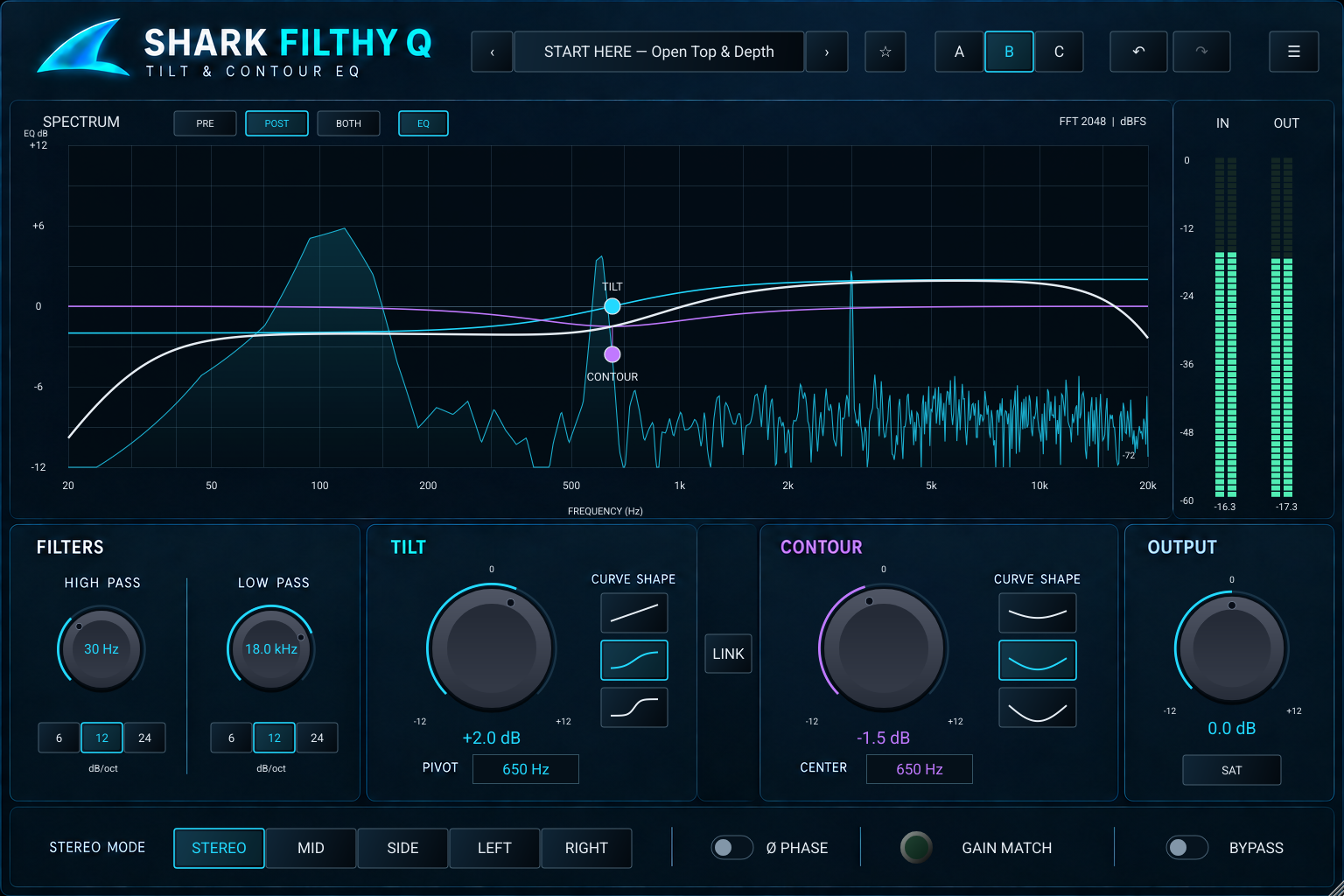
One turn sets the direction.
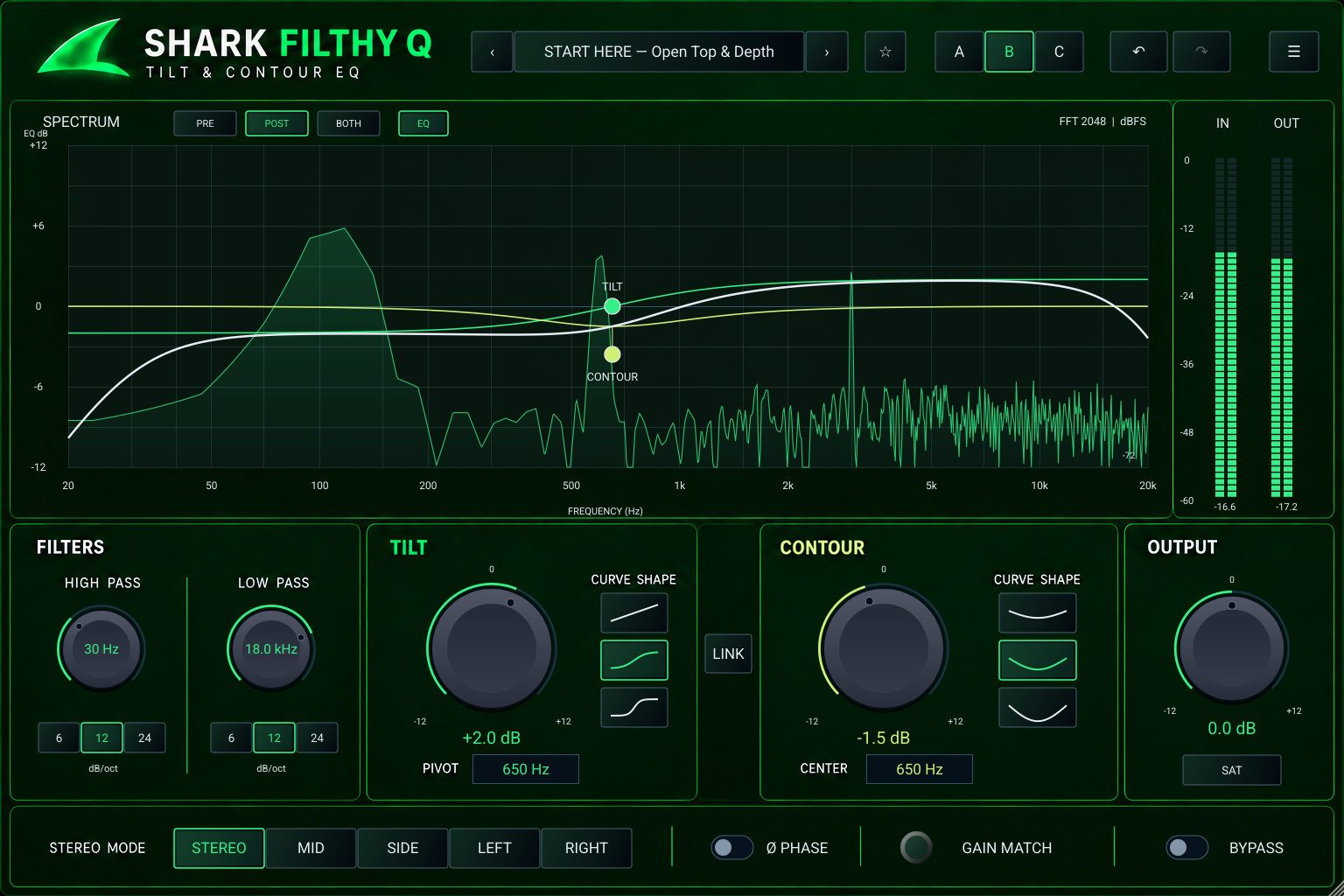
Tilt trades low-end weight against high-end openness. Set the pivot, choose a curve shape and listen to the whole source.
Make room in the middle.
Contour adds body or creates a scoop around its center. Link it to Tilt, or keep the frequencies independent. High-pass and low-pass filters trim the edges.
Keep the useful change.
Gain Match, Bypass and A/B/C help you compare. Explore 60 starting presets, save favorites and choose Stereo, Mid, Side, Left or Right EQ.
FIVE APPEARANCES / ONE AUDIO ENGINE
Your session. Your look.
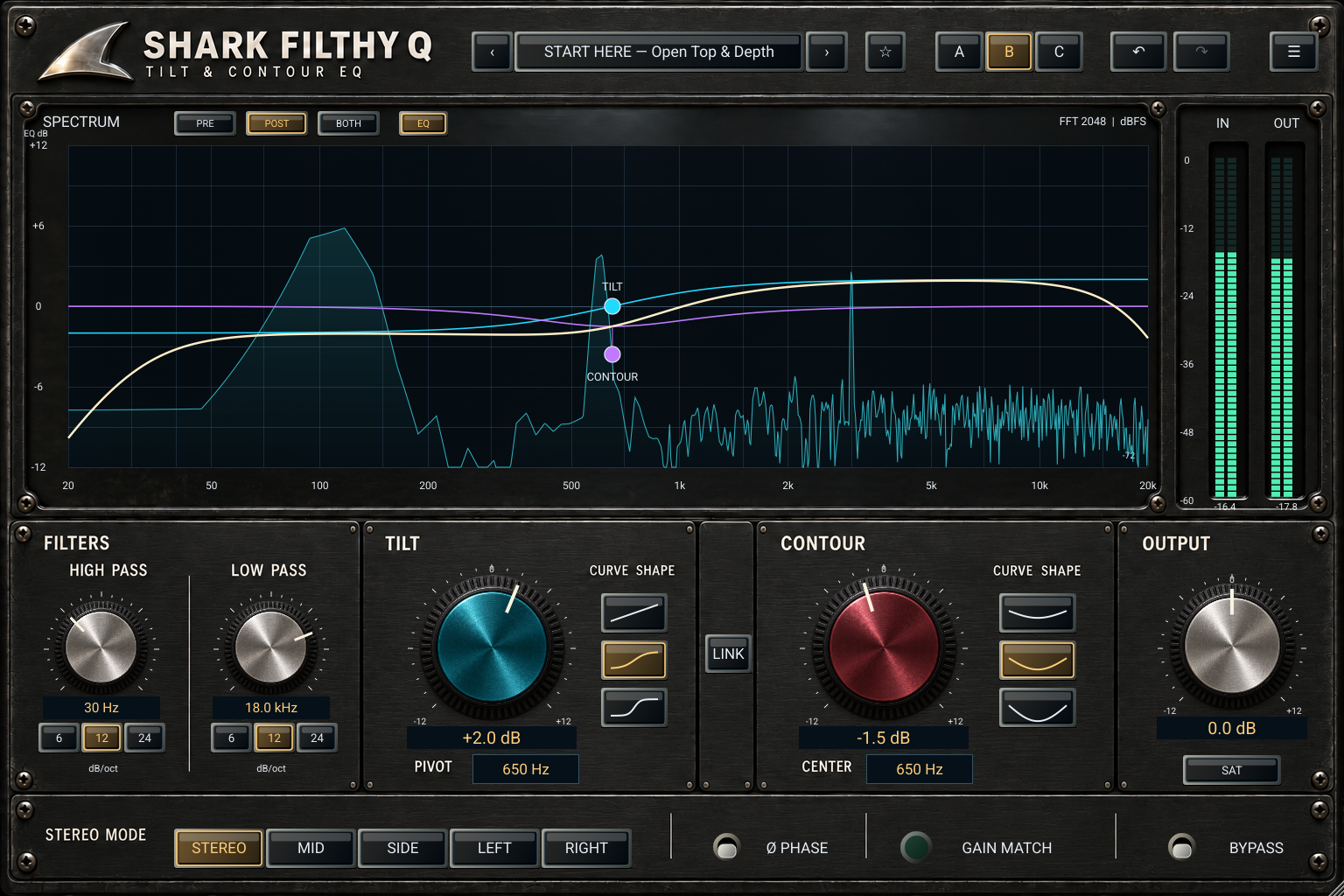
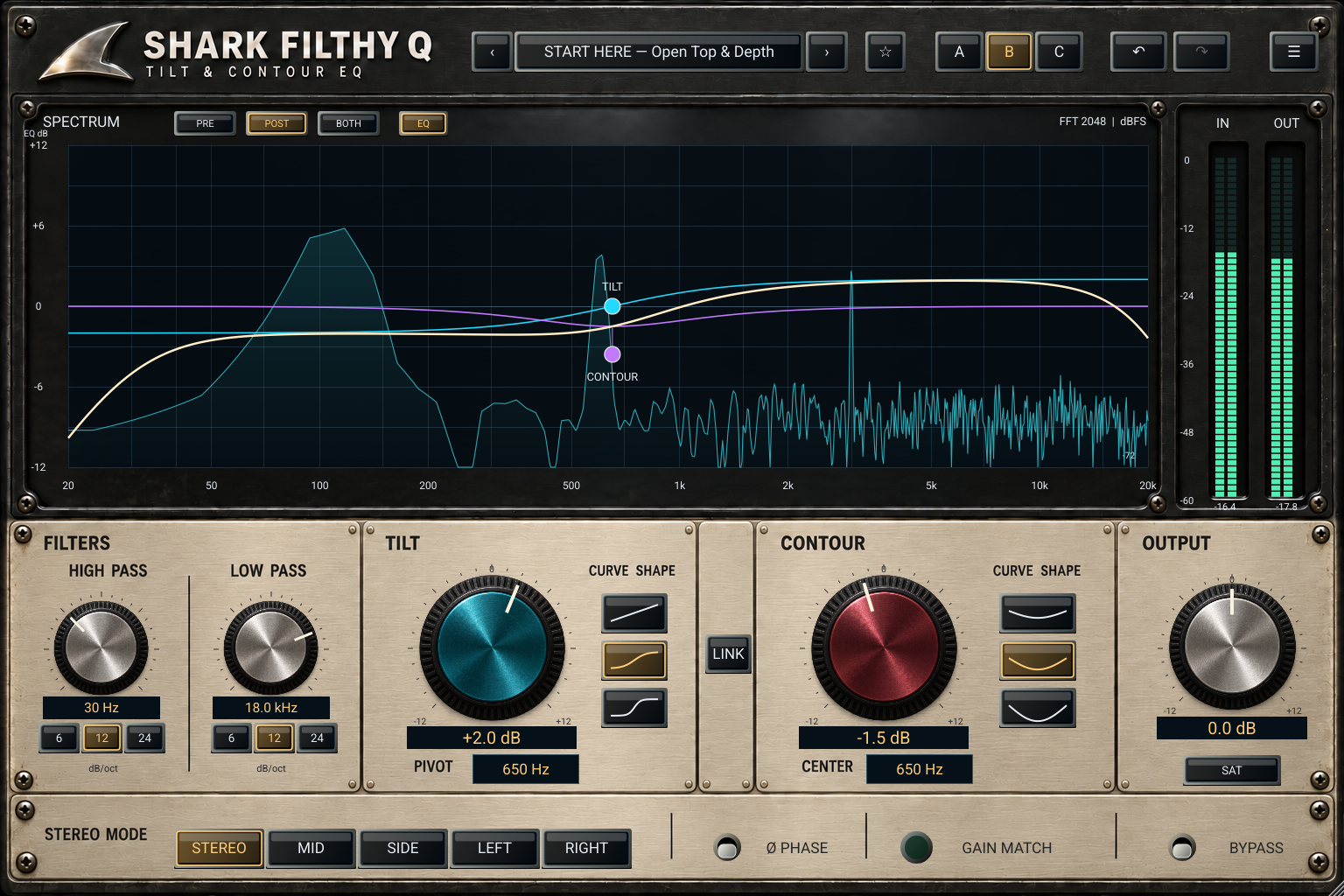
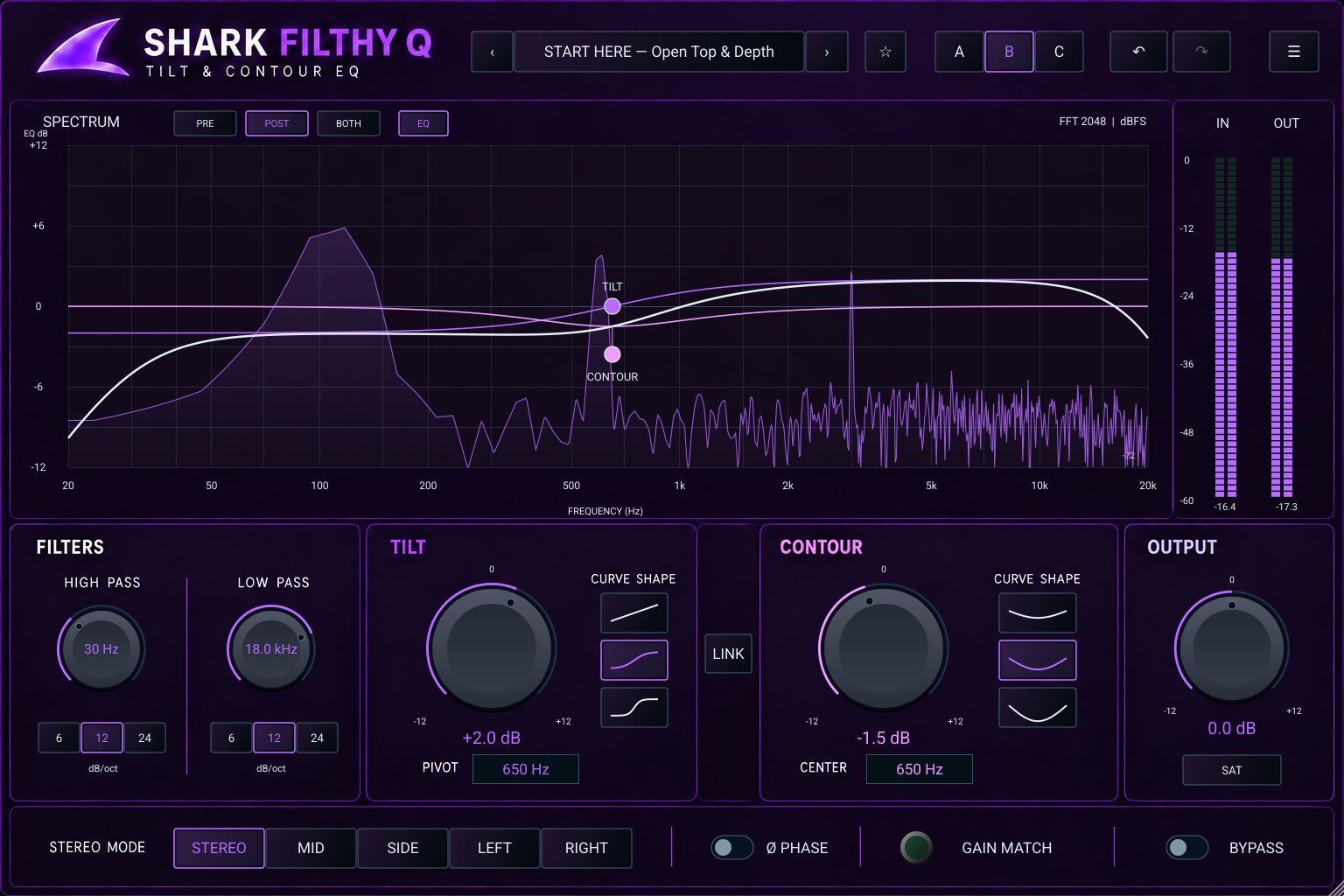
Press the shark logo to cycle Blue Digital, Black Analog, Silver Analog, Purple Digital and Green Digital. Your sound stays the same.
READ / DOWNLOAD
Get to know Filthy Q.
From your first move to your own workflow.
Eight pages covering controls, filters, channel modes, presets, comparison and practical starting settings.
Open manual PDF ↗02 / PRODUCT BROCHUREA quick introduction.
The core idea, the controls and five appearances in a concise two-page overview.
Open brochure PDF ↗THE POSTER
Find your balance.
The approved digital interface, ready for your studio wall or collection.
Download poster PDF ↗Download poster PNG ↗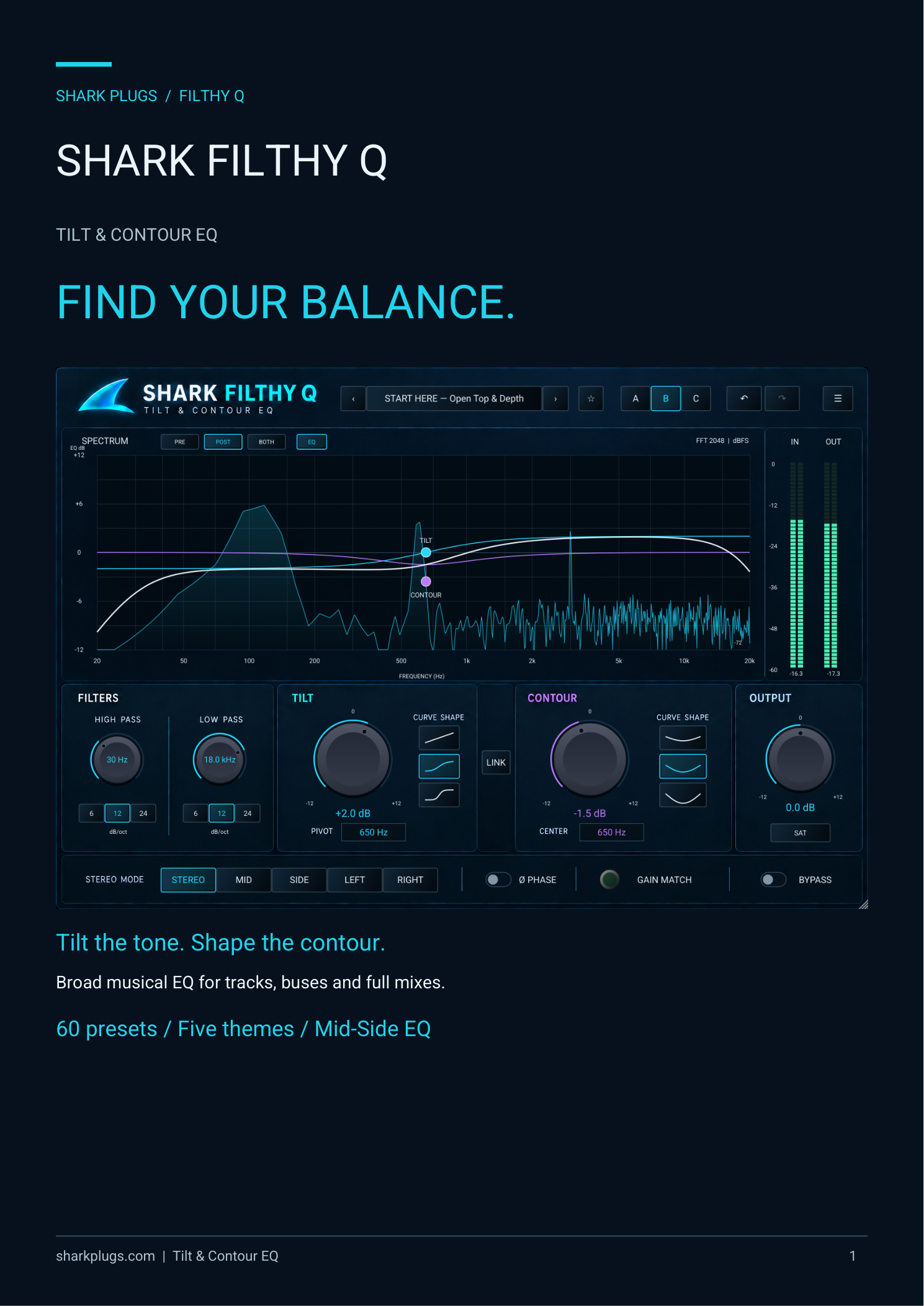
QUESTIONS, ANSWERED
A few things worth knowing.
Download FAQ PDF ↗What does Filthy Q do?
It combines a tilt equalizer, a contour bell and high/low cut filters for broad tonal shaping on tracks, buses and full mixes.
How are Tilt and Contour different?
Tilt rebalances lows against highs around a pivot. Contour boosts or cuts a region around its center frequency. Use Tilt for overall balance and Contour for body, presence or a scoop.
Does the analog theme change the sound?
No. Blue, purple and green digital themes and black and silver analog themes share the same audio engine. Click the shark logo to cycle them.
What does Link do?
It makes Contour follow the Tilt pivot. Your independent Contour center is remembered and returns when Link is turned off.
What does Gain Match measure?
It tracks input/output energy and smoothly adjusts the level for comparison. It is an RMS-style aid, not LUFS normalization or a guarantee of equal perceived loudness.
Can I process only Mid or Side?
Yes. Stereo, Mid, Side, Left and Right modes select where EQ is applied. SAT, Output, Gain Match and polarity remain global.
Are there presets and oversampling?
There are 60 factory starting presets, user presets, favorites and A/B/C comparison. Processing uses fixed 2x oversampling. The meters show sample peaks; Filthy Q is not a true-peak limiter.