SHARK TAPE / VINTAGE COLLECTION
Two characters.
One tape machine.
Track warmth, stereo finishing and the movement of a tape transport. Choose the character, drive the reels, and follow your ears.
Give the track some weight.
Firmer saturation and a stronger bass rise for drums, instruments and tracks that need character. Set Drive, shape Tone and Bias, then blend with Mix.
Find the gentler finish.
More headroom and a restrained bass rise offer a different starting point for stereo buses. Compare at similar loudness with Gain Match.
Make it your machine.
Four formulas, four speeds from 3.75 to 30 IPS, optional Transformer color and 58 starting presets. A/B/C and Undo/Redo make comparisons easy.
WARMTH / MOVEMENT / CHARACTER
A transport that comes alive.
The reels follow playback and tape speed, with a short start/stop ramp. Add slow Wow or faster Flutter to the sound, or keep the audio stable and simply enjoy the moving reels. Animation can be switched off independently.
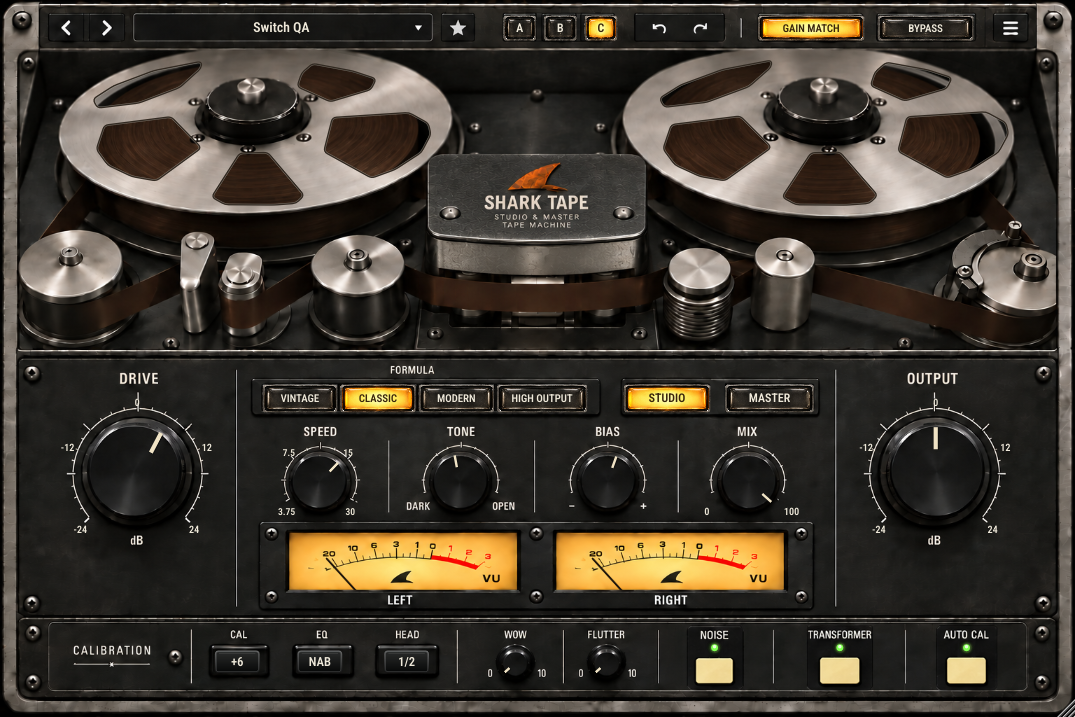
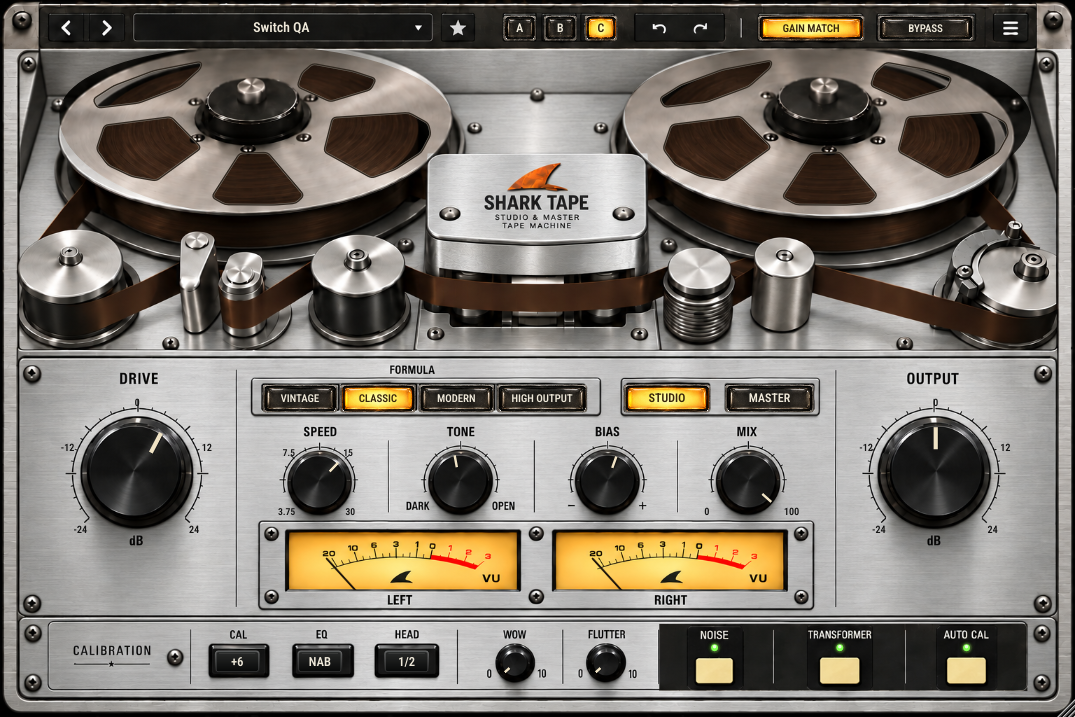
BLACK / SILVER
Same sound. Your studio look.
Click the center Shark logo in the plugin to change the finish. Wide yellow meters, amber selections and cream keys keep the controls familiar. Noise, Transformer and Auto Cal each have a green on/off indicator.
READ / DOWNLOAD
Get to know the machine.
Your first session and every control.
Eight pages covering tape character, calibration, movement, presets, metering and practical listening starting points.
Open manual PDF ↗02 / PRODUCT BROCHUREThe idea in two pages.
Studio and Master, the hands-on workflow, and the character choices at a glance.
Open brochure PDF ↗THE POSTER
Two characters.
One tape machine.
SHARK TAPE in black metal, silver and warm gold.
Download poster PNG ↗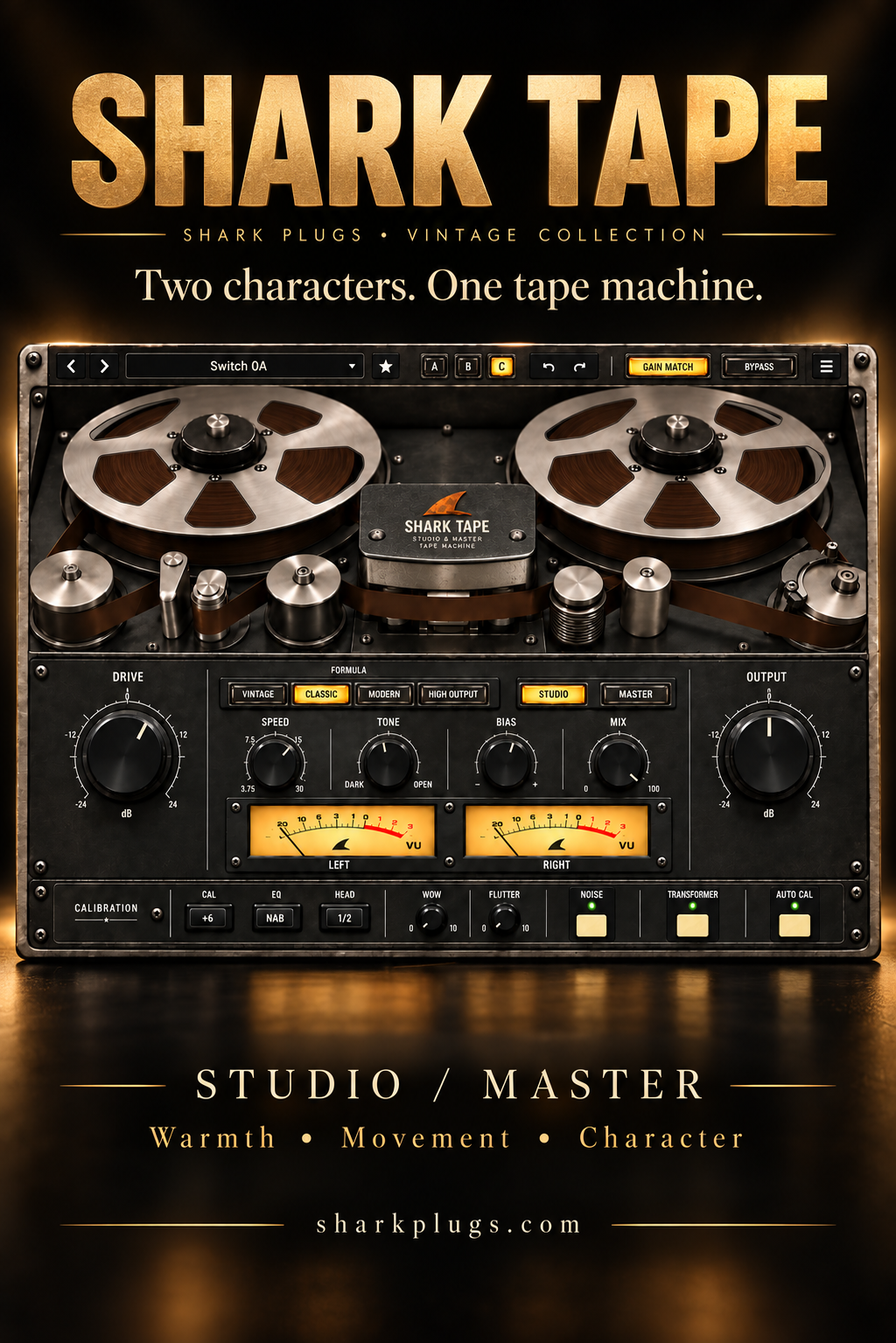
QUESTIONS, ANSWERED
Before you press play.
What is SHARK TAPE?
An original tape-inspired processor combining track coloration and stereo finishing in one interface. It includes Studio and Master modes, four formulas, four tape speeds and animated reels.
What is the difference between Studio and Master?
Studio has firmer saturation and a stronger bass rise. Master offers more headroom and a restrained bass rise. Either can be used on tracks or buses; compare with Gain Match enabled.
Why do I hear no effect with Init?
Init - Clean Start sets Mix to zero. Choose START HERE - Warm Tape, or raise Mix and check that Bypass is off.
Do the reels actually move?
Yes. Animation follows playback and the selected IPS speed, with a short start/stop ramp. The menu lets you freeze it or animate while stopped. These visual preferences do not change the sound.
What do the three cream buttons do?
Noise adds hiss and hum. Transformer adds a separate rounded saturation stage. Auto Cal applies complementary playback compensation for record emphasis. Green means enabled.
Does Auto Cal reset my settings?
No. It does not overwrite manual Bias or perform hardware alignment; it compensates record emphasis in the playback path.
Does Gain Match protect against clipping?
No. It estimates RMS level and settles over about 1-3 seconds, with compensation limited to +/-12 dB. Output remains adjustable. Use your DAW meters to check peaks; SHARK TAPE is not a limiter.
Can I use it without noise or pitch movement?
Yes. Turn Noise off and set Wow and Flutter to zero. Noise is off in every factory preset. Reel animation can still run.
Is this an exact model of a vintage recorder?
No. It is an original tape-inspired design. Formula, EQ and head-width choices provide character without claiming measured accuracy against a specific machine.
What is the current availability?
The current version is a development source checkpoint. Mac/DAW validation and final listening approval are still pending. This page does not offer a signed installer or a commercial release.